Traffic filtering is the process of reviewing website or advertising traffic to identify patterns that may affect campaign quality, analytics, security, or user experience. In paid advertising, for example, it is often discussed alongside invalid traffic, bot activity, duplicate clicks, and click fraud.
Not all unusual traffic is fraudulent. For instance, some visits come from security scanners, preview tools, accidental clicks, repeated users, or technical errors. Still, traffic quality matters because it can affect conversion data, reporting accuracy, campaign performance, and advertising costs.
This guide explains traffic filtering in simple terms, explains why invalid traffic matters, and shows advertisers how to review traffic quality responsibly.
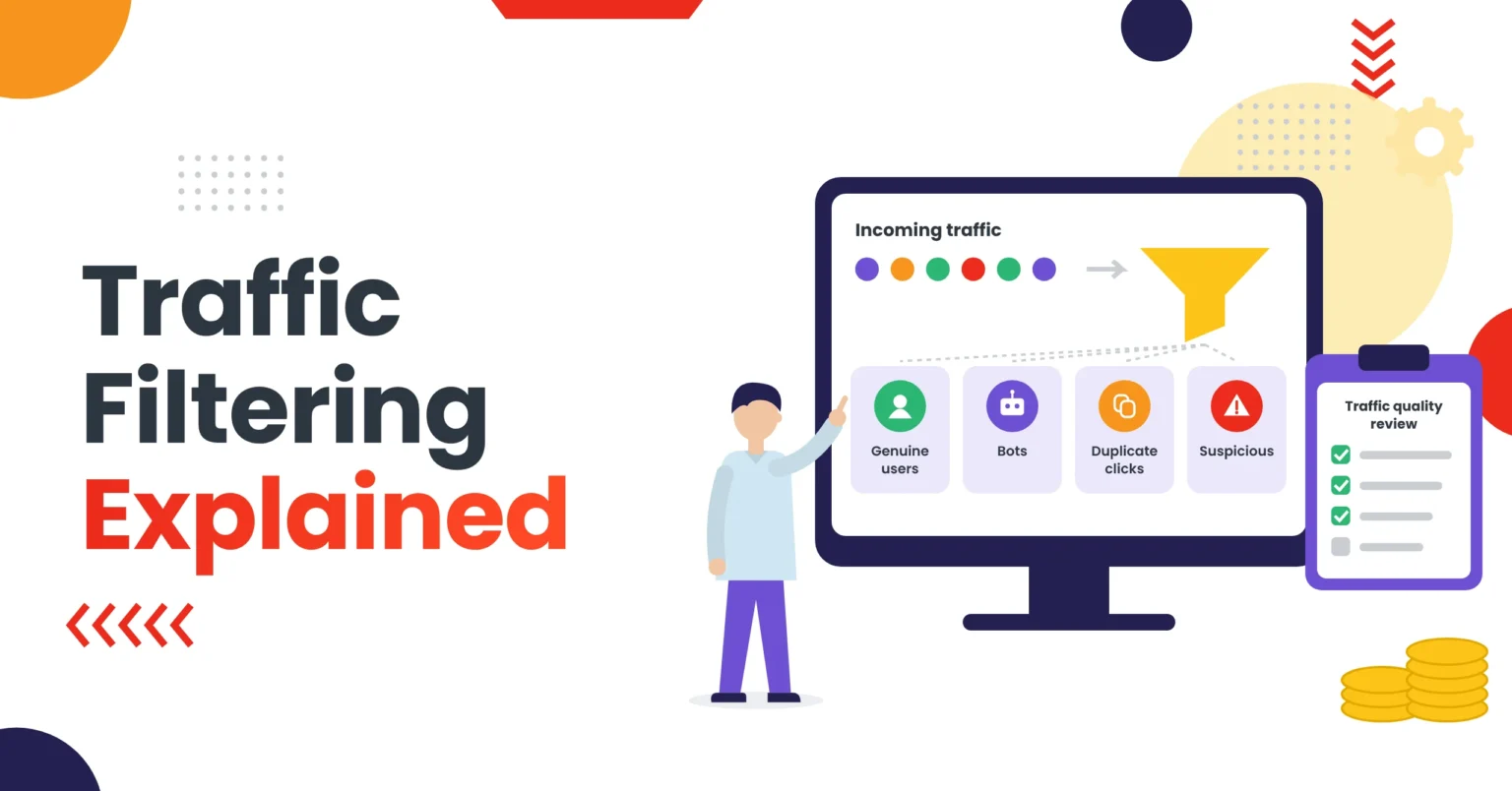
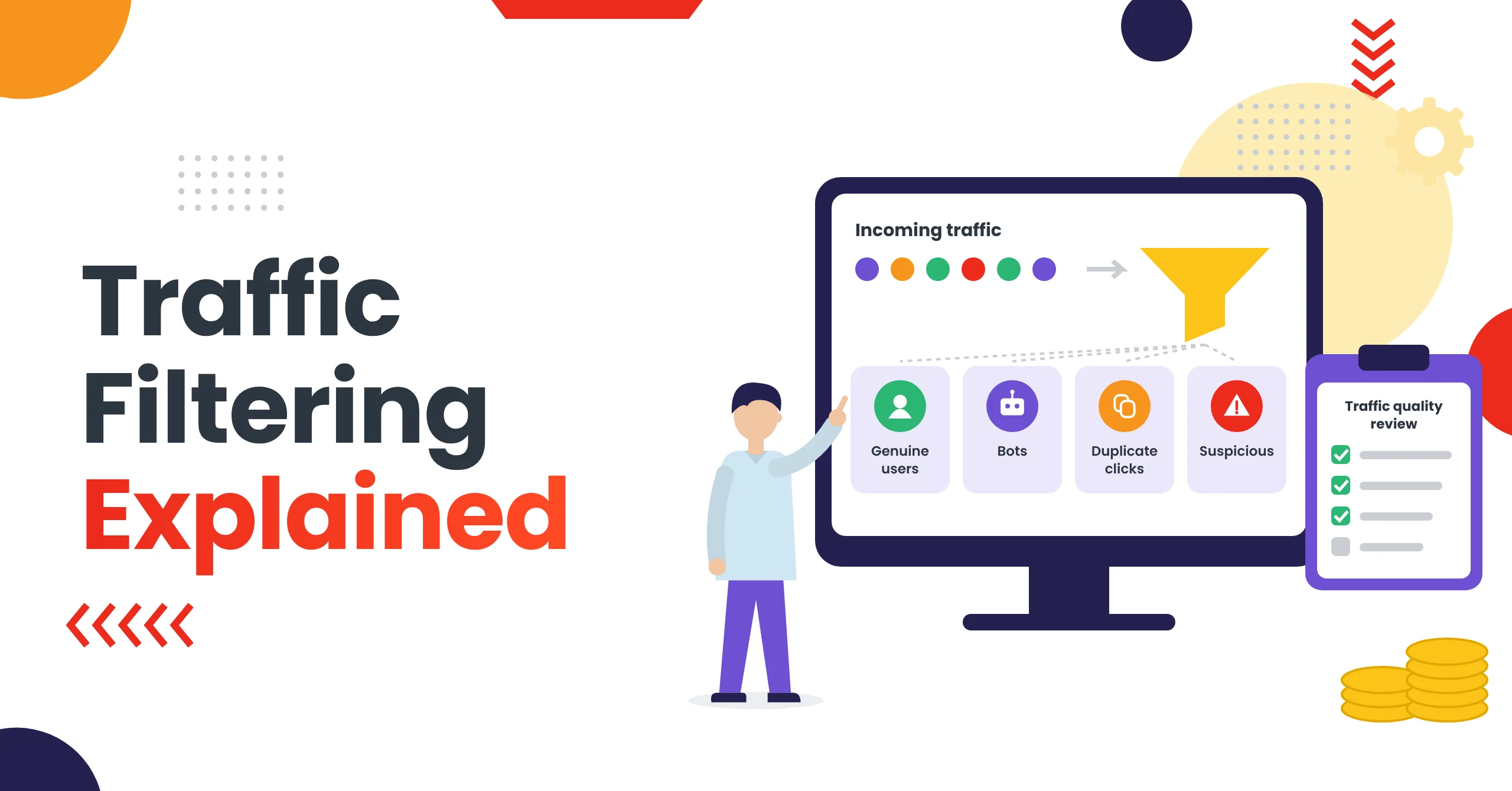
Traffic filtering is the process of reviewing website or ad traffic to separate genuine visitors from bots, invalid clicks, duplicate clicks, and other low-quality activity. As a result, advertisers use it to protect budgets, keep analytics accurate, and make better optimization decisions. It is about understanding traffic quality, not about hiding offers from ad platforms.
Key Takeaways
- Invalid traffic includes bots, automated tools, repeated clicks, and accidental clicks, and not all of it is intentional fraud.
- Traffic quality affects conversion rates, cost per acquisition, ROAS, retargeting audiences, and account trust.
- No single signal proves traffic is invalid. Review patterns by source, device, geography, and conversion behavior over time.
- Google says it uses more than 200 filters, plus machine learning and manual review, to detect invalid traffic.
- Legitimate traffic filtering improves data quality. Using it to show reviewers different content is ad review evasion.
What Is Traffic Filtering?
Traffic filtering means reviewing incoming visits and applying rules or analysis to understand their quality, source, or purpose.
At a high level, a website or analytics system may review signals such as traffic source, device type, browser or operating system, and geographic location. In addition, it may look at session behavior, click frequency, conversion patterns, referral source, and technical errors.
In short, traffic filtering can be used for legitimate purposes such as fraud prevention, security, analytics accuracy, and improving user experience. For example, Google Analytics applies known bot-traffic exclusion based on the IAB/ABC International Spiders and Bots List.
What Is Invalid Traffic?
Invalid traffic is activity that does not come from a real user with genuine interest in an advertisement or website.
Google describes invalid traffic as clicks or impressions that may artificially inflate advertiser costs or publisher earnings. In addition, it can include accidental clicks, repeated clicks, automated tools, bots, and other deceptive software. (Sources: Google Ad Manager Help, Google Ad Traffic Quality)
Common examples include:
- Automated clicking tools
- Botnets
- Repeated clicks from the same user
- Accidental clicks caused by poor ad placement
- Clicks intended to drain a competitor’s budget
- Traffic from incentivized or misleading sources
- Fake conversions or artificial engagement
Moreover, Google says invalid clicks do not represent genuine interest in a business and may be filtered from campaign metrics and billing. (Source: Google Ads Help)
Why Traffic Filtering and Traffic Quality Matter
Traffic quality affects more than click counts. In fact, it can influence conversion rates, cost per acquisition, return on ad spend, and analytics accuracy. It can also shape retargeting audiences, campaign optimization, account trust, and budget efficiency.
If a campaign receives a high volume of low-quality visits, its reported performance may look worse than expected. Similarly, if invalid activity is not filtered properly, it can distort conversion data and make optimization harder.
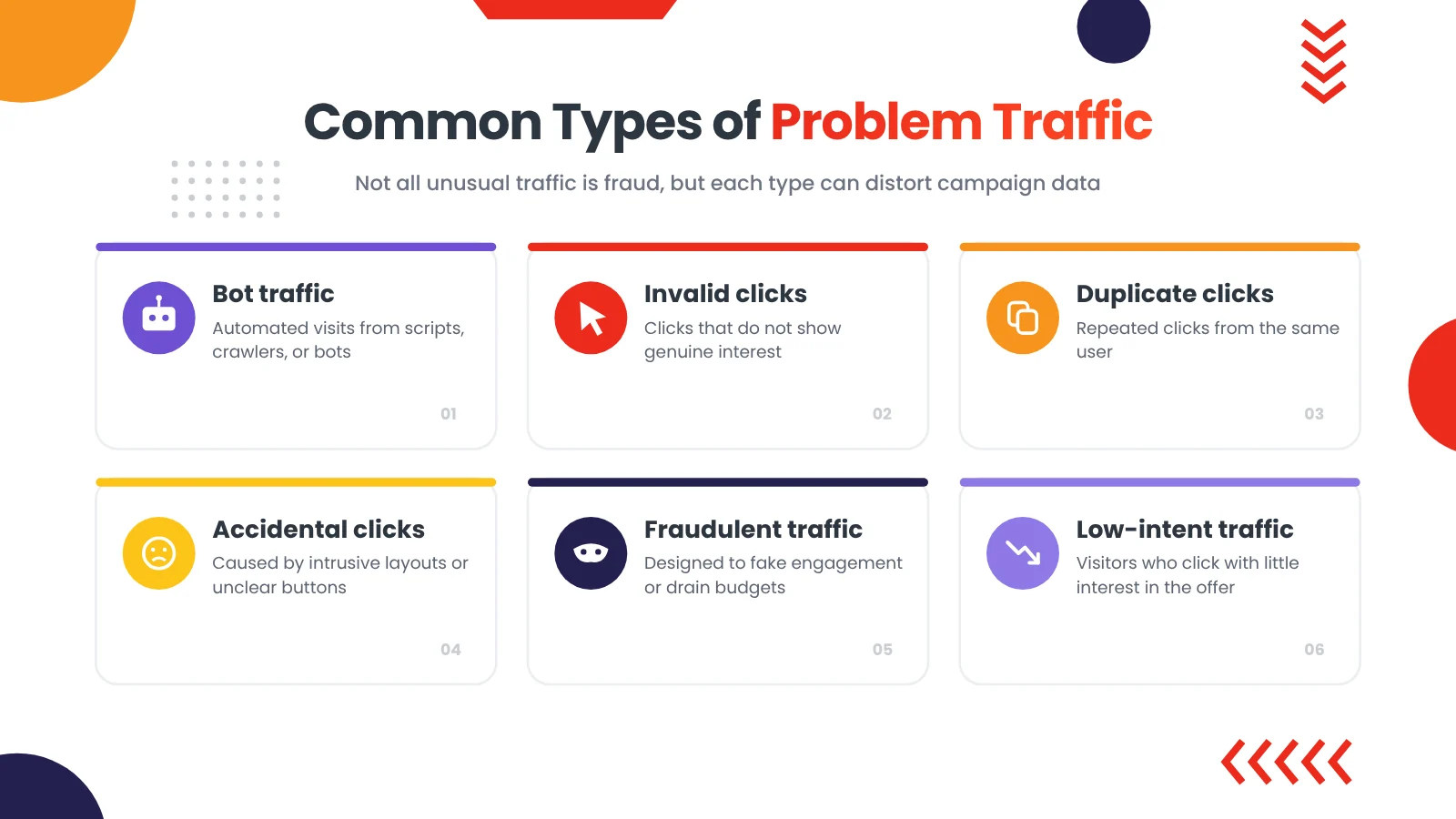
Common Types of Problem Traffic
| Traffic type | What it means | Possible impact |
|---|---|---|
| Bot traffic | Automated visits from scripts, crawlers, or bots | Skewed analytics and wasted budget |
| Invalid clicks | Clicks that do not represent genuine interest | Inflated cost or misleading performance data |
| Duplicate clicks | Repeated clicks from the same user | Inaccurate click and conversion reporting |
| Accidental clicks | Clicks caused by intrusive layouts or unclear buttons | Poor conversion quality |
| Fraudulent traffic | Traffic designed to generate fake engagement or drain budgets | Financial loss and account risk |
| Low-intent traffic | Visitors who click but have little interest in the offer | Low conversion rate and weak return on ad spend |
| Security scanners | Automated systems checking website security | Can create non-human visits in analytics |
How Traffic Filtering Works at a High Level
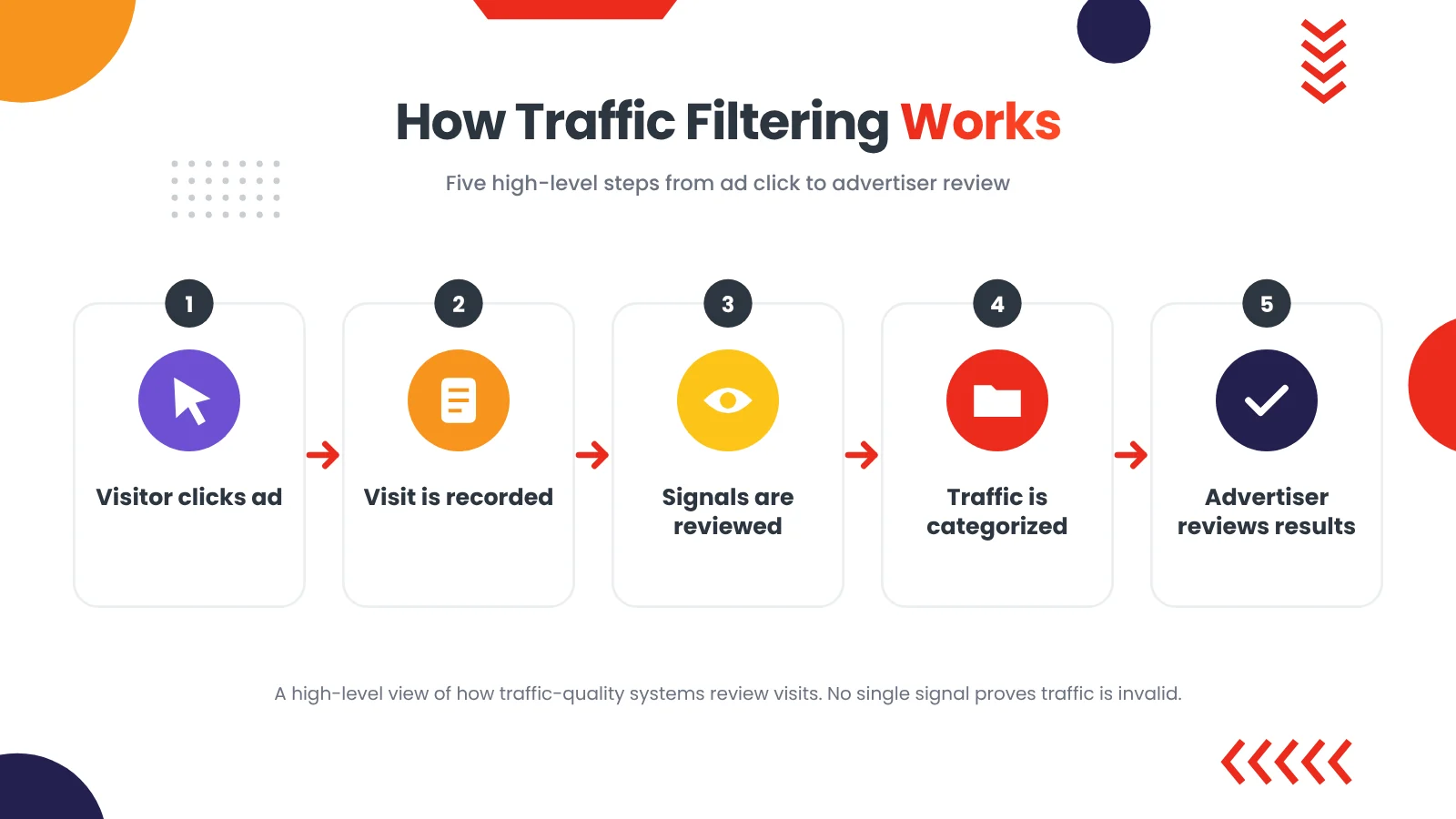
In general, traffic filtering systems review patterns and signals to distinguish between normal user behavior and unusual activity.
A simplified process looks like this:
- First, a visitor clicks an ad or opens a landing page.
- Next, the website or analytics system records the visit.
- Then, the system reviews available signals.
- After that, it compares the visit with expected patterns.
- As a result, it labels the visit as normal, suspicious, duplicate, or invalid.
- Finally, the advertiser reviews the results and takes appropriate action.
This is a general explanation of how traffic-quality systems work. However, it is not a guide for identifying reviewers or bypassing advertising review systems.
Traffic Filtering Signals That May Affect Traffic Quality
Advertisers and analysts may look at several signals when reviewing traffic quality.
| Signal | Why it matters |
|---|---|
| Traffic source | Helps identify whether visits come from expected channels |
| Device and browser | Helps identify unusual device or browser patterns |
| Geographic location | Helps assess whether traffic matches the target market |
| Session duration | Very short sessions may indicate low intent or technical issues |
| Pages per session | Can help identify whether visitors engage with the page |
| Click frequency | Repeated clicks may indicate duplicate or invalid activity |
| Conversion behavior | Helps assess whether visits lead to meaningful actions |
| Referral source | Helps identify unexpected or low-quality traffic sources |
| Bounce rate | Can indicate poor relevance, slow pages, or mismatched expectations |
However, no single signal proves that traffic is invalid. Instead, traffic review should look at patterns over time.
Invalid Traffic and Advertising Platforms
Advertising platforms use automated systems, machine learning, and manual review to detect invalid traffic. For example, Google says its ad traffic quality team uses automated filters, machine learning, and manual reviews to detect and filter invalid traffic. (Source: Google Ads Help)
Google also says it uses more than 200 filters to stop much invalid traffic in real time or soon after it occurs. (Source: Google Ad Traffic Quality)
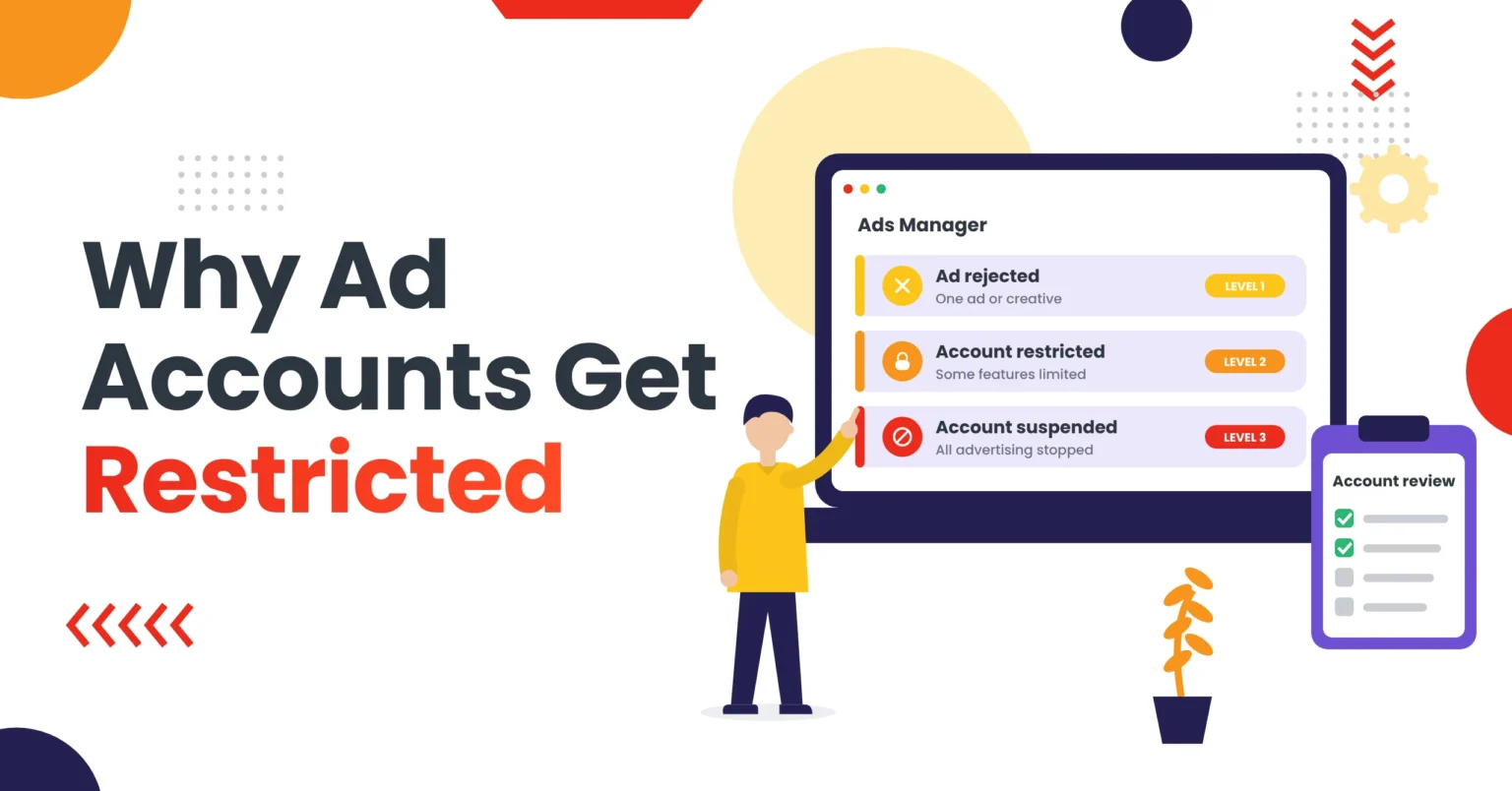
For advertisers, this means traffic quality is not only a reporting issue. In fact, it can also affect account trust and campaign performance. Learn more about why ad accounts get restricted and how to respond.
How to Use Traffic Filtering to Review Traffic Quality
Instead of making assumptions from one metric, use this traffic filtering process to review traffic.
Step 1: Define Expected Traffic
First, define what a good visitor looks like for your campaign before reviewing traffic.
For example, consider your target country, target device, expected traffic source, and expected conversion action. Also note your average session duration, typical conversion rate, and typical cost per acquisition.
Step 2: Compare Traffic Sources
Next, review performance by source, campaign, ad set, creative, and placement. Also, if you advertise on more than one platform, our Google Ads vs Facebook Ads comparison shows how results can differ by source.
Look for:
- Sources with high clicks but very low conversions
- Sources with unusual click patterns
- Sources with very short sessions
- Sources outside your target market
- Sources with repeated duplicate activity
- Sources with sudden performance changes
Step 3: Review Conversion Quality
However, clicks alone do not show traffic quality. Instead, review what happens after the click.
Therefore, check form submissions, purchases, calls, bookings, and email signups. In addition, review add-to-cart events, repeat purchases, refund rate, and overall customer quality.
As a result, a source with fewer clicks but better conversions may be more valuable than a source with many low-intent clicks.
Step 4: Check Technical Issues
On the other hand, poor traffic quality is sometimes caused by a website problem rather than the traffic source.
For this reason, check page speed, mobile usability, broken links, form errors, and tracking issues. Also look for redirect errors, ad-to-page mismatch, checkout problems, and missing product information.
For example, a slow or confusing landing page can make good traffic look poor. See also: why Facebook ads are not converting.
Step 5: Keep Records
Finally, document what you find.
In particular, record the date of review, campaign name, traffic source, clicks, and conversions. Similarly, note the conversion rate, cost per acquisition, observations, and actions taken.
As a result, you can compare future performance and avoid decisions based on incomplete data.
Traffic Filtering and Traffic Quality Checklist
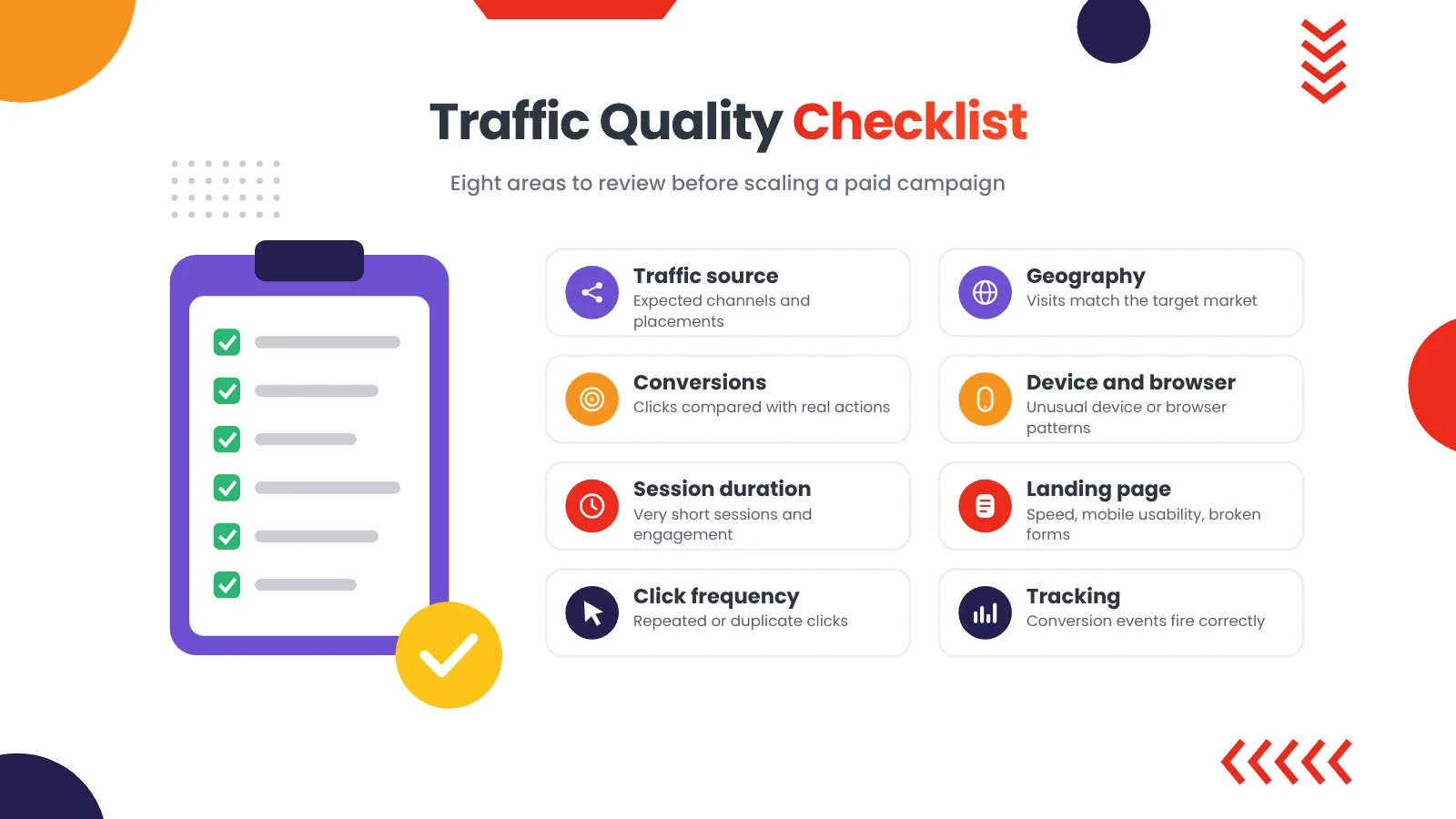
Use this checklist before scaling a campaign:
- First, define the target country, audience, and expected conversion action
- Next, review traffic by source, campaign, ad set, and creative
- Then compare click volume with conversion volume
- Review session duration and engagement
- Also check for sudden spikes or unusual patterns
- Review duplicate or repeated click activity
- In addition, check geographic targeting and location reports
- Review device and browser performance
- After that, test the landing page on mobile
- Also check for broken links and form errors
- Then confirm tracking and conversion events work
- Review refund rate and customer quality
- Finally, keep records of findings and actions
Traffic Filtering vs Ad Review Evasion
Although they can sound similar, traffic filtering and ad review evasion are not the same thing.
| Area | Legitimate traffic filtering | Ad review evasion |
|---|---|---|
| Main purpose | Improve security, analytics, and traffic quality | Hide the real offer from reviewers |
| Destination experience | Consistent offer and essential information | Different content for reviewers and users |
| User trust | Aims to improve clarity and experience | Can create misleading experiences |
| Platform policy | Can support legitimate security and analytics | Often violates advertising policies |
| Long-term value | Supports stable reporting and optimization | Can create account and campaign risk |
Advertising platforms prohibit attempts to interfere with their ad systems or misrepresent destinations, and Google sets clear destination requirements for landing pages. In particular, Google’s Abusing the ad network policy identifies circumventing systems as a prohibited practice.
How to Improve Campaign Quality Without Risky Workarounds
Use these practices to improve campaign performance responsibly:
- Use clear ad copy that matches the landing page
- Review product claims and disclosures
- Test landing pages on mobile
- Improve page speed
- Fix broken links and forms
- Use accurate targeting
- Review traffic by source and placement
- Track meaningful conversions
- Remove low-performing placements
- Monitor account notifications
- Keep documentation of campaign changes
As a result, these steps help improve the quality of both traffic and reporting.
When Professional Traffic-Quality Support Helps
Some advertisers can review traffic internally. However, others need support when campaigns operate across multiple countries, traffic sources, landing pages, or restricted categories such as crypto and CBD.
For example, professional support can help with traffic-source review, campaign performance analysis, and conversion-quality review. It can also cover landing-page usability, tracking and reporting, campaign-readiness recommendations, and documented next steps.
Cloaker Agency helps advertisers understand traffic-routing concepts, landing-page quality, campaign-readiness issues, and restricted advertising challenges. Explore our ads cloaking services to learn more about our advertising support options. If you are unsure where to start, contact Cloaker Agency for a campaign-readiness review. In addition, we support campaigns on Google Ads, Facebook Ads, TikTok Ads, YouTube Ads, Snapchat Ads, and Pinterest Ads.
Traffic Filtering FAQs
What is traffic filtering?
Traffic filtering is the process of reviewing website or advertising traffic to identify patterns related to quality, security, fraud, analytics, or user experience.
What is invalid traffic?
Invalid traffic is activity that does not come from a real user with genuine interest. It can include bots, automated clicking tools, repeated clicks, accidental clicks, and fraudulent activity. (Sources: Google Ad Manager Help, Google Ad Traffic Quality)
Does invalid traffic always mean click fraud?
No. Invalid traffic can include accidental clicks, repeated clicks, technical issues, and automated activity. In other words, not all invalid traffic is intentional fraud.
Can traffic filtering improve campaign performance?
Yes. In fact, reviewing traffic quality can help advertisers identify low-performing sources, fix technical issues, improve conversion tracking, and make better optimization decisions.
Does traffic filtering guarantee ad approval?
No. After all, advertising platforms make their own review decisions. Therefore, traffic filtering should not be used to hide offers or circumvent platform review.
What is the difference between traffic filtering and ads cloaking?
Traffic filtering can be used for legitimate security, analytics, and quality review. However, ads cloaking becomes problematic when it is used to show different content to reviewers and users to conceal the real offer.
Important: Platforms Make the Final Decision
Advertising platforms independently review campaigns and may update their policies, eligibility requirements, or enforcement methods at any time. Therefore, Cloaker Agency does not guarantee ad approval, account reinstatement, campaign delivery, account longevity, or specific performance results.
Instead, our role is to help clients improve campaign readiness, identify avoidable issues, and understand practical advertising requirements.
Last updated: October 2026
Final Takeaway
Traffic filtering is about understanding traffic quality, not manipulating advertising platforms. After all, invalid traffic can affect reporting, conversions, budget efficiency, and account trust.
Review traffic by source, campaign, device, geography, and conversion behavior. Then fix technical issues, improve landing-page quality, and use accurate tracking. As a result, this creates a stronger foundation for responsible campaign optimization.
For broader advertising support, explore Cloaker Agency, or browse more advertising guides on our blog.